
DCRM SmileBridge™
The dental online booking system that writes straight into your practice management system
Your patient picks a real time from your real calendar at 9pm, and the appointment exists before they close the tab.
Live in as little as 7 days, on your domain, in your branding.
A patient booking an All-on-4 consultation online at 12.52am on a Sunday, and the appointment appearing in the practice management system with no staff input
The problem
Most dental websites do not have a booking system. They have a form that sends an email.
Somebody reads that email the next morning and rings the patient back. The patient is at work, so it goes to voicemail. Your front desk tries again after lunch. Eventually the two of them line up, somebody hunts for a gap, and the appointment gets typed in by hand.
That round trip takes hours. Often days. And the patient decided they wanted their teeth sorted out at 9 o’clock the night before.
An enquiry form does not lose the patient at the form. It loses them in the gap between the form and the phone call.
Illustration: one enquiry’s timeline, from the form sent at night to the appointment typed in by hand, with the patient’s wait at each point.
The same enquiries. A very different week.
With an enquiry form
- The patient sends a message and waits until morning.
- Two or three callbacks before anybody picks up.
- Your coordinator hunts for a gap, then types it in by hand.
- Somebody who cannot find a time simply disappears.
- The evening enquiry is cold by Monday.
With SmileBridge™
- The patient books themselves, at any hour.
- No callback, because there is nothing left to arrange.
- The appointment and the patient record are created for you.
- Somebody who gives up gets a text within minutes.
- The evening enquiry is already in the calendar.
Why this matters. The moment somebody decides to do something about their teeth is short, and more than half of the time it lands outside your business hours. In one Victorian practice, 59% of self-bookings were made while the practice was closed.
What it does
A form that emails your practice hands you a lead.
A form that books hands you a patient.
The write-back
The appointment is created in your practice management system, not emailed to it
Your patient sees live availability out of the calendar your front desk actually works from. They pick a time and confirm. The appointment is written in, and the patient record is created at the same moment with the treatment they chose already on it.
Plenty of systems will capture an enquiry. Some will nurture it. Very few finish the job, because writing into a practice management system takes a real integration.
Illustration: one booking’s steps, from the patient confirming to the pipeline updating itself, with the time of each.
Abandoned booking recovery
The patient who cannot find a time does not just disappear
Some patients start the form and stop, usually because nothing on offer suits them. Under a normal booking widget that person is gone and you never even know they were there.
SmileBridge™ texts them a few minutes later, while they are still thinking about their teeth. When they reply, your front desk picks the conversation up and books them around whatever the calendar can do.
Illustration: a patient abandoning an online booking, then booked by the front desk after a text conversation.
Your tracking stays yours
No iframe, no third-party portal, no broken conversion data
Most practice management systems hand you a snippet to embed. What you are embedding is somebody else’s form in a window on your page, so your tracking cannot follow the click and you are stuck with their fields and their order.
SmileBridge™ sits on your site, in your branding. You see the ad click, the enquiry and the booked appointment in one place, so the conversion rate you are looking at is the real one.
Illustration: an ad click, an enquiry and a booked appointment, tracked through an embedded iframe and then through SmileBridge™.
What most dental CRMs and booking widgets cannot do
They capture, but they do not book
Most tools stop at the lead. Writing into a practice management system means building a separate integration for every system on the market, and there are a lot of them, so most vendors never start.
An embedded iframe takes your analytics with it
The clicks and the booking happen inside a window your tracking cannot see, so you cannot tell which campaign produced which patient.
They send your patient off your website
Your patient has to leave your website to finish booking, and the form waiting for them asks far too many questions. An existing patient will push through it. The new patient your marketing just paid for will not.
They lose the abandoner quietly
When somebody gives up because no time suits, a widget simply forgets them. Ours sends a text within minutes and hands the reply to your front desk.
Getting booked
How it works
Your patient picks an appointment type you have made available to them.
They see genuine availability from the calendar your front desk works from.
They confirm, and the appointment is created in your practice management system.
Your system confirms it back to DCRM, so the record, the treatment and the pipeline stage sit in one place.
Case studies
Practices that switched it on
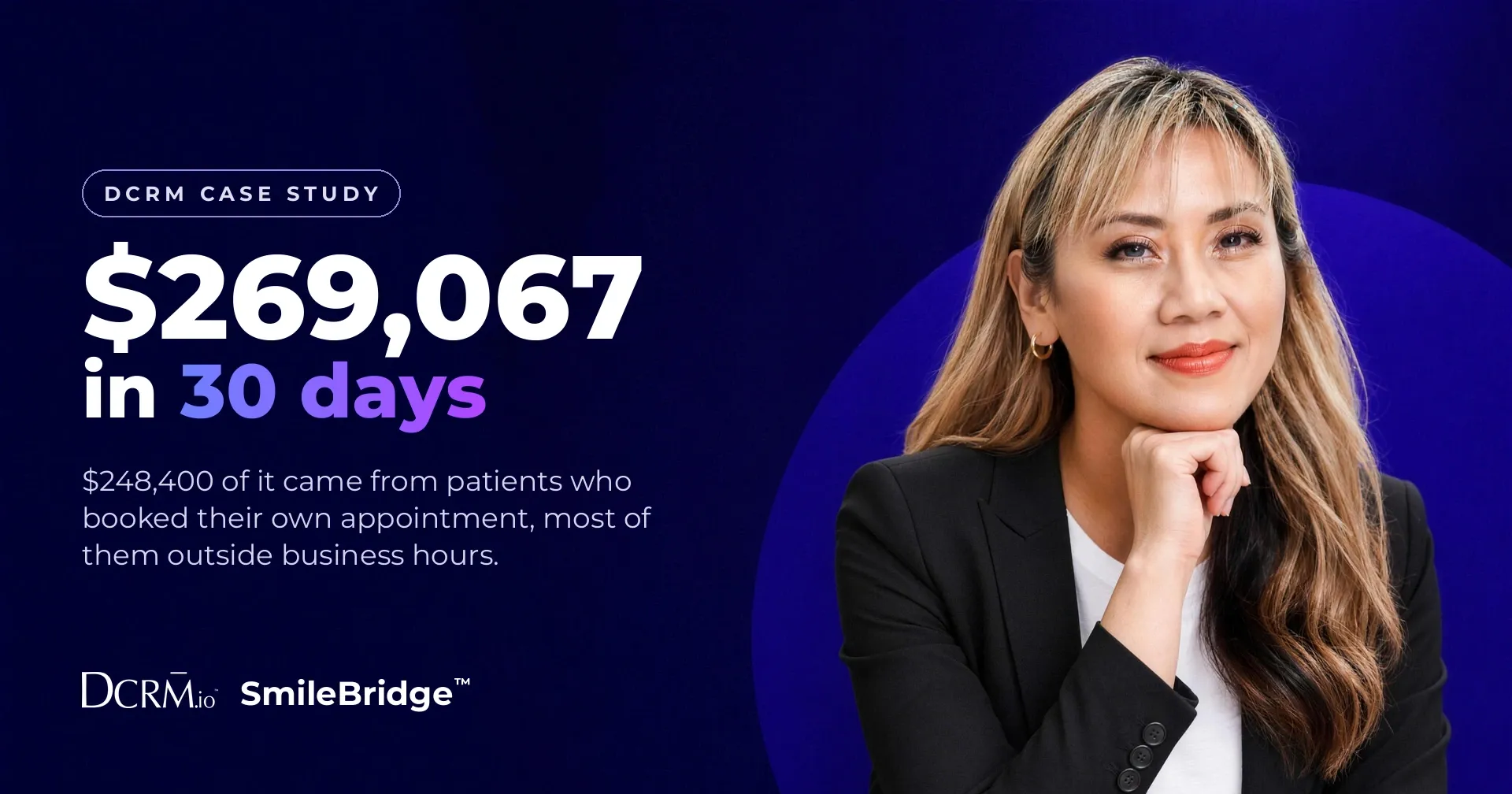
Real numbers from real calendars, with the dates and the figures left in.
Where this sits in DCRM
This is the booking layer.
SmileBridge™ is an add-on to the SmileEngine™ Form, so the enquiry, the booking, the patient record and the follow-up all live in one system.
It shares a pipeline with the AI Text Receptionist™ and the AI Voice Receptionist™, so a patient who starts with a text or a call can be handed a booking link inside that same conversation and finish the job there.
- SmileEngine™ FormCaptures the enquiry
- SmileBridge™Books it into your calendarYou are here
- AI Text Receptionist™Hands over a booking link
- SmileEngine™ PipelineNothing gets lost
Be honest with yourself
When this is not for you
If your books are already full and you are turning patients away, this is not your problem. You do not need more bookings, you need more chairs.
If your front desk answers every enquiry within a few minutes, seven days a week, you are already getting most of what this does.
Where it makes sense is a practice with steady enquiry volume, a busy front desk, high-value treatments on the menu, and a run of enquiries landing in the evening that nobody gets to until morning.
Getting started
How to switch it on
- Ask your practice management system provider for API access and their API documentation, then send us both.
- Set up the availability you are happy to offer in your online calendar.
- We build the connection and test it end to end before a single patient sees the form.
- Your front desk reviews the first week of bookings so they are comfortable with what is coming through.
Live in as little as 7 days once we have the API key.
FAQs
Questions we get asked
Can patients book their own dental appointment without any staff involvement?
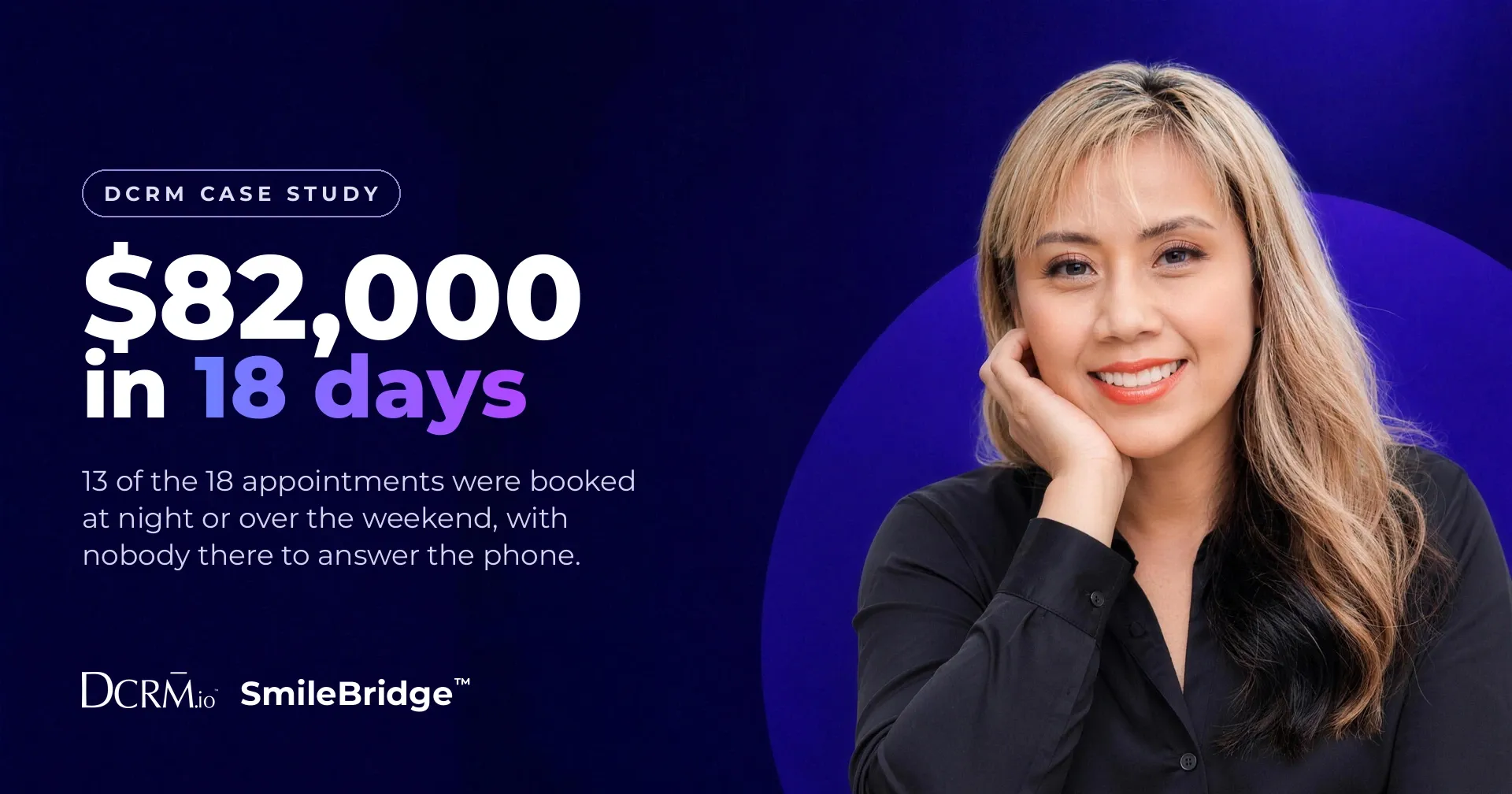
Yes. SmileBridge™ shows live availability from your calendar and writes the confirmed appointment into your practice management system. In one Victorian practice, 18 patients booked themselves in 11 days and nobody on the team typed anything.
Do patients really book dental appointments after hours?
Yes, and it is the main reason this exists. In one Victorian practice, 59 per cent of self-bookings were made while the doors were shut, including an All-on-4 consultation at 12.52am on a Sunday.
Which practice management systems does it write into?
Any system that gives you API access to your own account. Tell us which one you use and we will confirm before you commit to anything.
Are we replacing our front desk with this?
No. The patients who are ready to go book themselves, so the phones are freer for the ones who need a human. The nervous patient, the payment plan question, the full-arch patient who wants reassurance before they commit.
What if a patient books the wrong appointment type?
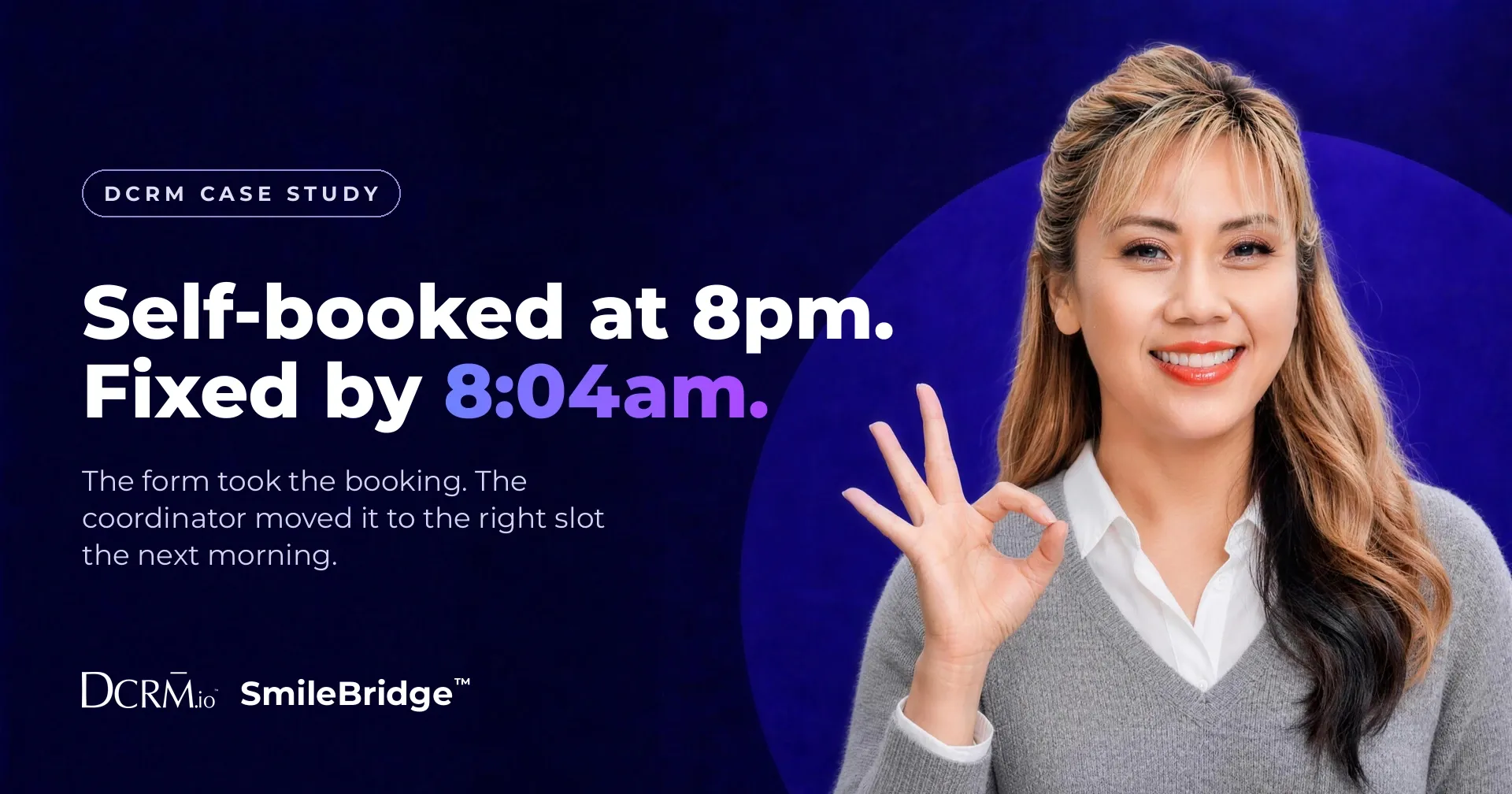
Somebody catches it and fixes it. In one practice a patient self-booked at 8pm into a slot kept for emergencies, and the coordinator sorted it out by text at 8.04am. Checking a booking takes minutes. Chasing a lead takes a week.
Can we keep certain treatments off it?
Yes. You choose which appointment types appear and which stay with your front desk. You have full control.
Does self-booking cannibalise our phone bookings?
It did not in the practices we measured. The bookings arrived in the evenings and at weekends, and enquiries lost to no answer went down, which says the form picked up people who were previously going unanswered.
What happens if a patient starts the form and does not finish it?
They get a text a few minutes later. When they reply, your front desk takes over and books them manually. About 2 in 3 of the patients who reply end up booked.
Your patient decided last night. SmileBridge™ is what stops them waiting until morning to book.
Whether they are new or existing, SmileBridge™ makes it easy for the patients who are ready to go, which frees your front desk to talk to the ones who need a human.